Lead follow-up
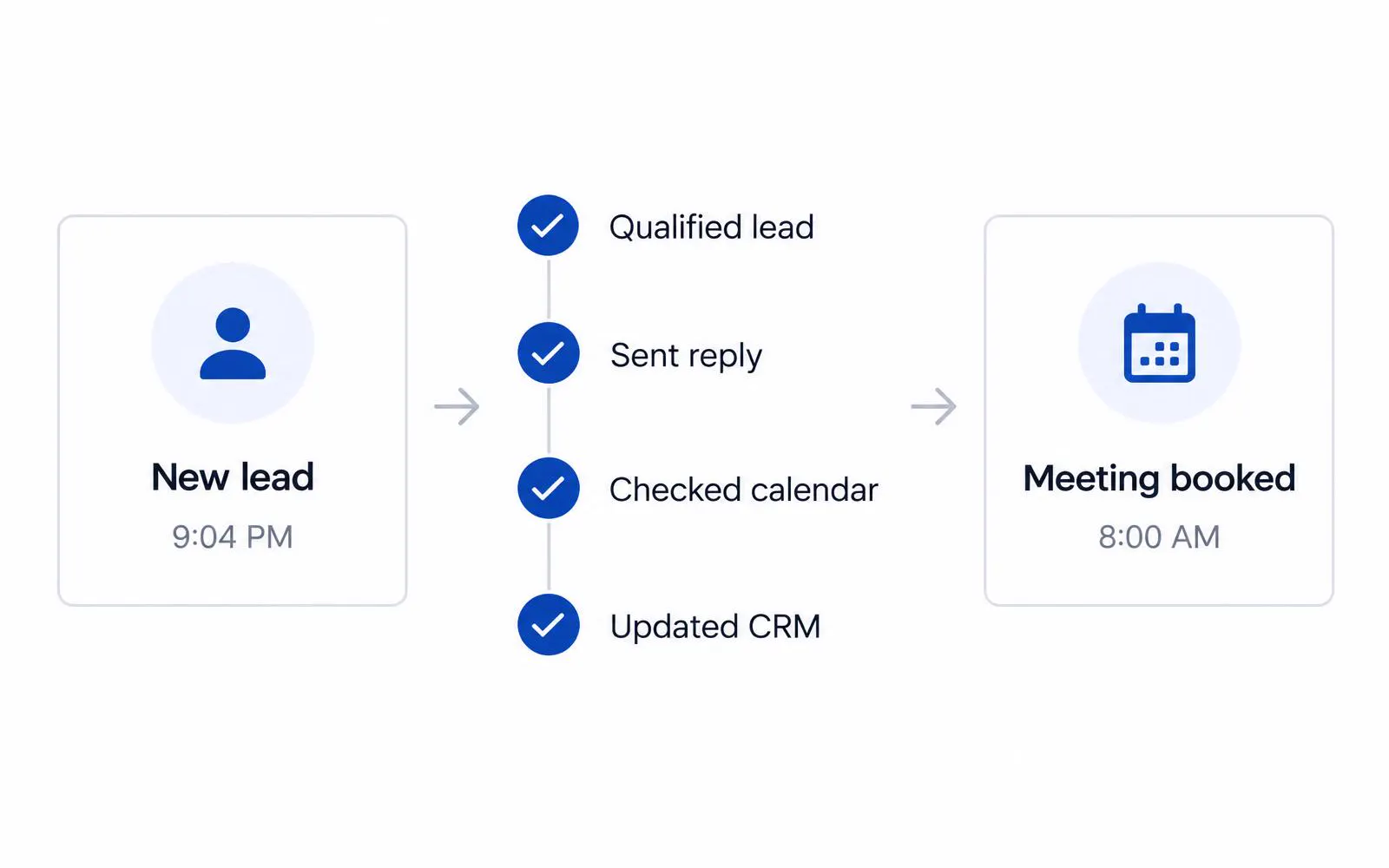
A lead comes in at 9pm. Nobody sees it until morning. By then it's cold.
The agent qualifies the lead, sends a personalized reply, books the appointment, and updates your CRM. Your rep sees a booked meeting at 8am.
We design, deploy, and train your team on always-on AI agents that follow up every lead, triage every request, process every document, and answer every routine question. Connected to the systems you already use.
Most people picture a chat window. An agent is different: it watches for work, does it, and reports back. Here is what that looks like in practice.
A lead comes in at 9pm. Nobody sees it until morning. By then it's cold.
The agent qualifies the lead, sends a personalized reply, books the appointment, and updates your CRM. Your rep sees a booked meeting at 8am.
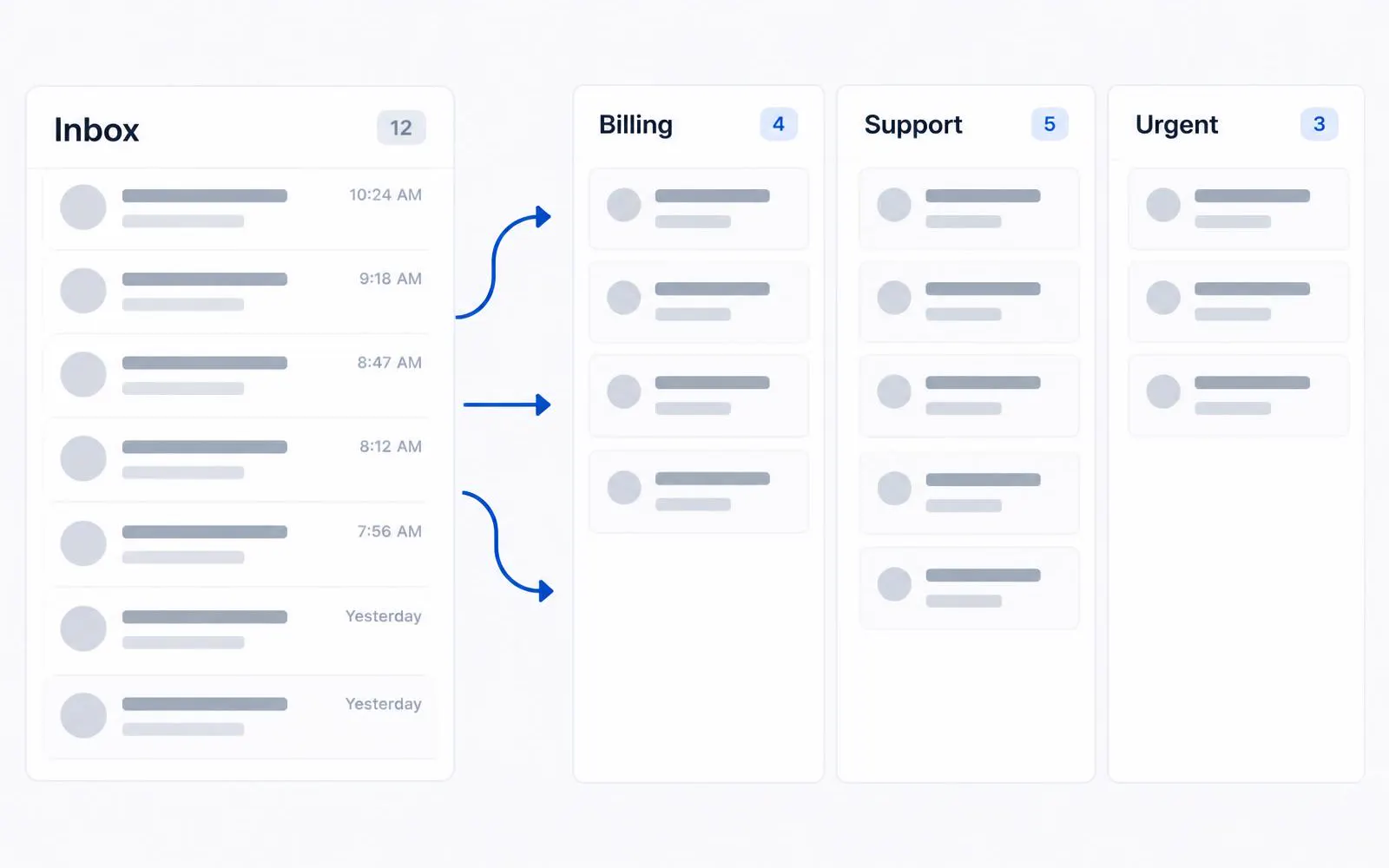
Every request lands in one inbox. Someone spends the first hour of every day sorting.
The agent reads each request, answers the routine ones, routes the rest to the right person with context attached, and flags anything urgent.
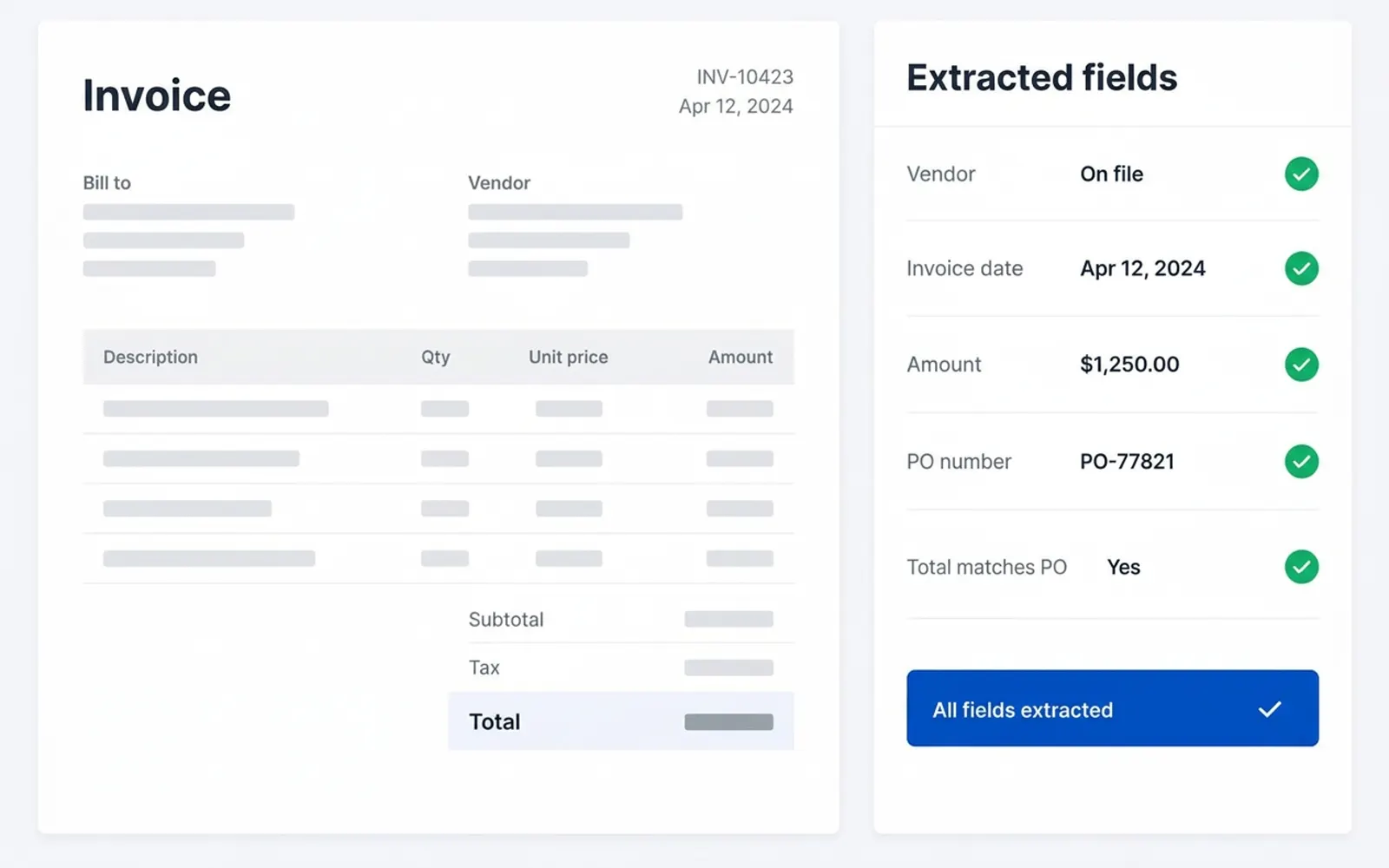
Invoices, applications, and forms get keyed in by hand. Errors slip through.
The agent extracts the data, checks it against your rules, posts it to your system, and asks a human only when something doesn't add up.
Responds to every inbound lead, qualifies, books, and logs it.
Reads, answers, routes, and escalates customer requests.
Extracts, validates, and posts data from documents.
Answers team questions from your policies, docs, and systems.
Books, reschedules, confirms, and reminds.
Pulls numbers, watches for exceptions, and sends the summary before you ask.
2 weeks
We map your workflows, score them for volume, repeatability, and data access, and pick the two or three agents with the clearest return.
You walk away with: a prioritized agent roadmap with ROI estimates and a fixed-price proposal for your first agent.
4 to 6 weeks
One agent live in production, connected to your real systems, with guardrails, approval gates, and a test set that proves it works. Your team is trained before launch, not after.
You walk away with: a working agent, a trained team, and results you can measure.
Ongoing
We build out the roadmap: additional agents, handoffs between them, and deeper integrations, delivered at fixed prices.
You walk away with: an agent workforce that covers whole processes, not single tasks.
Monthly
We monitor performance, maintain prompts and rules, upgrade models as better ones ship, and run quarterly training refreshers.
You walk away with: agents that keep getting better instead of quietly degrading.
Agents run on cloud infrastructure around the clock, use browser and terminal tools when there's no API, connect to over a thousand business apps through plugins and MCP, and can be given skills, scheduled routines, and approval gates for anything sensitive. Multiple agents coordinate on the same work with clear handoffs. Each agent keeps its memory, runs on a schedule, and works inside your existing tools, so it does real work instead of waiting for a prompt.
Always on: agents keep working when your laptop is closed.
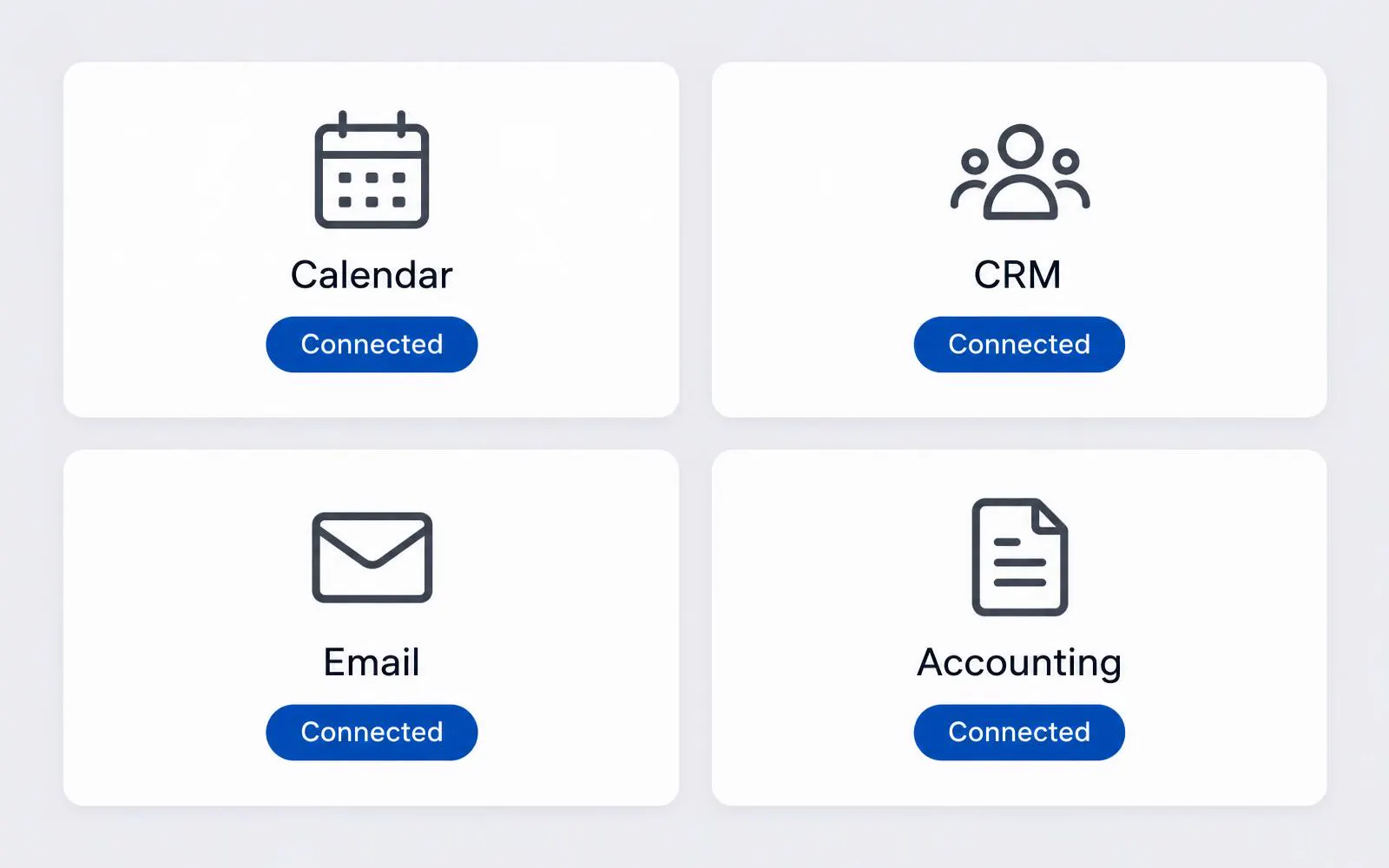
Connected: plugins and MCP connectors for your CRM, help desk, calendar, accounting, and more.
Governed: approval gates and skills with decision rules, so agents act inside boundaries you set.
Coordinated: multiple agents working together with role-based handoffs.
Mantum runs on an autonomous pipeline: agents that analyze, build, validate, and deploy. Implementing your agents on that pipeline means faster delivery, fixed prices instead of open-ended hourly work, and an operator on the other side of the table who runs a revenue org and knows what adoption actually takes.
Adoption is where agent projects succeed or fail. Every engagement includes hands-on training for the people who will work alongside the agent: what it does, where it stops, how to correct it, and how to ask for more. We also run standalone workshops for teams that want to start with understanding before they start with building.
Half day or full day, on site or remote. Your leadership and operations team leave with a shared vocabulary, a shortlist of agent opportunities in your business, and a plan for the first one.
Ask about a workshopA two-week assessment gives you a prioritized roadmap and a fixed price for your first agent. No open-ended discovery.